


Best Compact UPS for Home and Business Security DVRs: Essential Power Protection Solutions for 2026
A power cut can shut down your security system at the worst possible time. Your DVR and cameras need constant power to protect your home or business. A compact UPS (Uninterrupted Power Supply) keeps your security equipment running during outages, ensuring continuous recording and monitoring when you need it most. 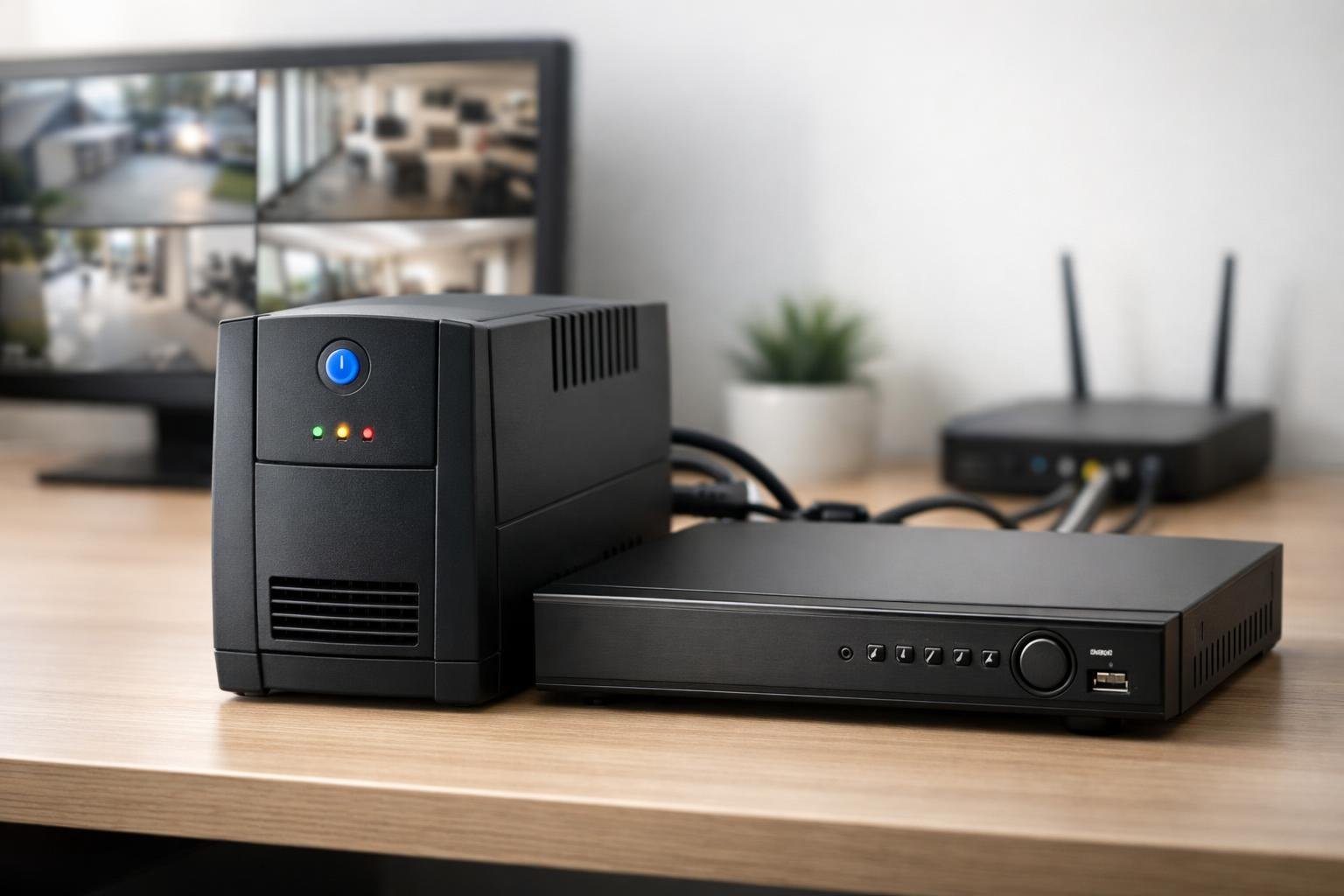 Compact UPS units are designed to fit in tight spaces whilst delivering reliable backup power. They protect your DVR from power surges and provide enough battery time to keep recording during brief outages. Choosing the right model depends on your power needs, available space, and how long you want your system to stay active without mains power. This guide will help you understand what makes a good compact UPS for security systems. You’ll learn about different types, what features matter, and how to select and install the right backup power solution for your DVR and cameras.
Key Features of Compact UPS Solutions
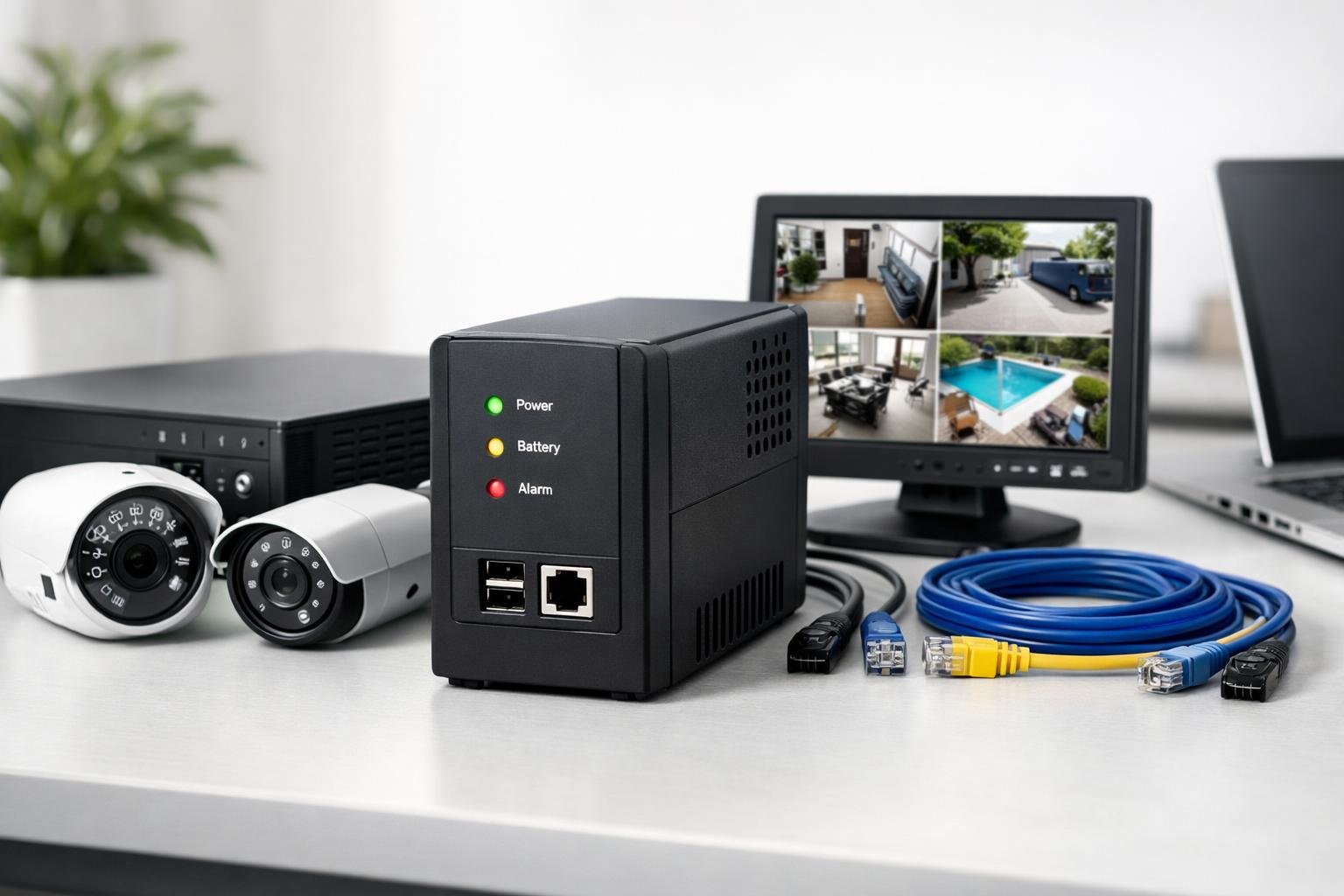 A compact UPS for your security DVR needs the right combination of battery backup, voltage control, and protection features. These systems must deliver consistent output power whilst fitting into tight spaces near your recording equipment.
UPS Battery Backup and Runtime
Your UPS battery backup determines how long your security DVR stays operational during a power cut. Most compact models provide between 10 to 30 minutes of runtime for DVR systems, which typically draw 20 to 60 watts of power. Runtime depends on your DVR’s power draw and the battery capacity. A 600VA uninterruptible power supply can keep a standard 4-channel DVR running for roughly 20 minutes, whilst an 8-channel system may only get 12 minutes. This gives you enough time for the power to return or for the system to safely shut down. Check the manufacturer’s runtime chart for your specific load. Your actual runtime will vary based on the age of the battery and how much power your cameras and hard drives consume.
Voltage Regulation and AVR
Automatic voltage regulation (AVR) protects your DVR from voltage fluctuations without switching to battery power. This feature corrects high and low voltage conditions that occur daily in most electrical systems. AVR technology adjusts incoming voltage to safe levels, typically maintaining output between 220-240V in the UK. Your DVR receives stable power even when mains voltage drops to 160V or spikes to 280V. This extends battery life since the UPS only switches to battery during complete power failures. Without voltage regulation, your security equipment faces damage from brownouts and surges. AVR also prevents unnecessary battery drain from minor voltage problems.
Surge Protection and Data Line Safeguards
Surge protection shields your DVR from voltage spikes caused by lightning strikes or electrical faults. Quality compact UPS units include surge protectors rated for 400 to 1000 joules of energy absorption. Data line protection is equally important for security systems. Your Ethernet cables connecting IP cameras or network DVRs need protection from surges that travel through network lines. Look for RJ45 ports with built-in safeguards. Some models also protect coaxial connections for analogue CCTV systems. These ports prevent surges from damaging both your DVR and camera feeds.
Battery Capacity and Lead-Acid Technology
Battery capacity, measured in volt-amperes (VA) or watts, determines how much equipment your UPS can support. For home security DVRs, a 600-800VA unit typically provides sufficient capacity for a recorder and multiple cameras. Most compact UPS systems use sealed lead-acid batteries. These batteries are reliable and cost-effective, lasting 3 to 5 years with proper use. They require no maintenance and work well in the consistent load patterns of security equipment. Lead-acid battery performance degrades over time. Replace your battery when runtime drops below acceptable levels to maintain protection for your security system.
Understanding UPS Types and Their Suitability
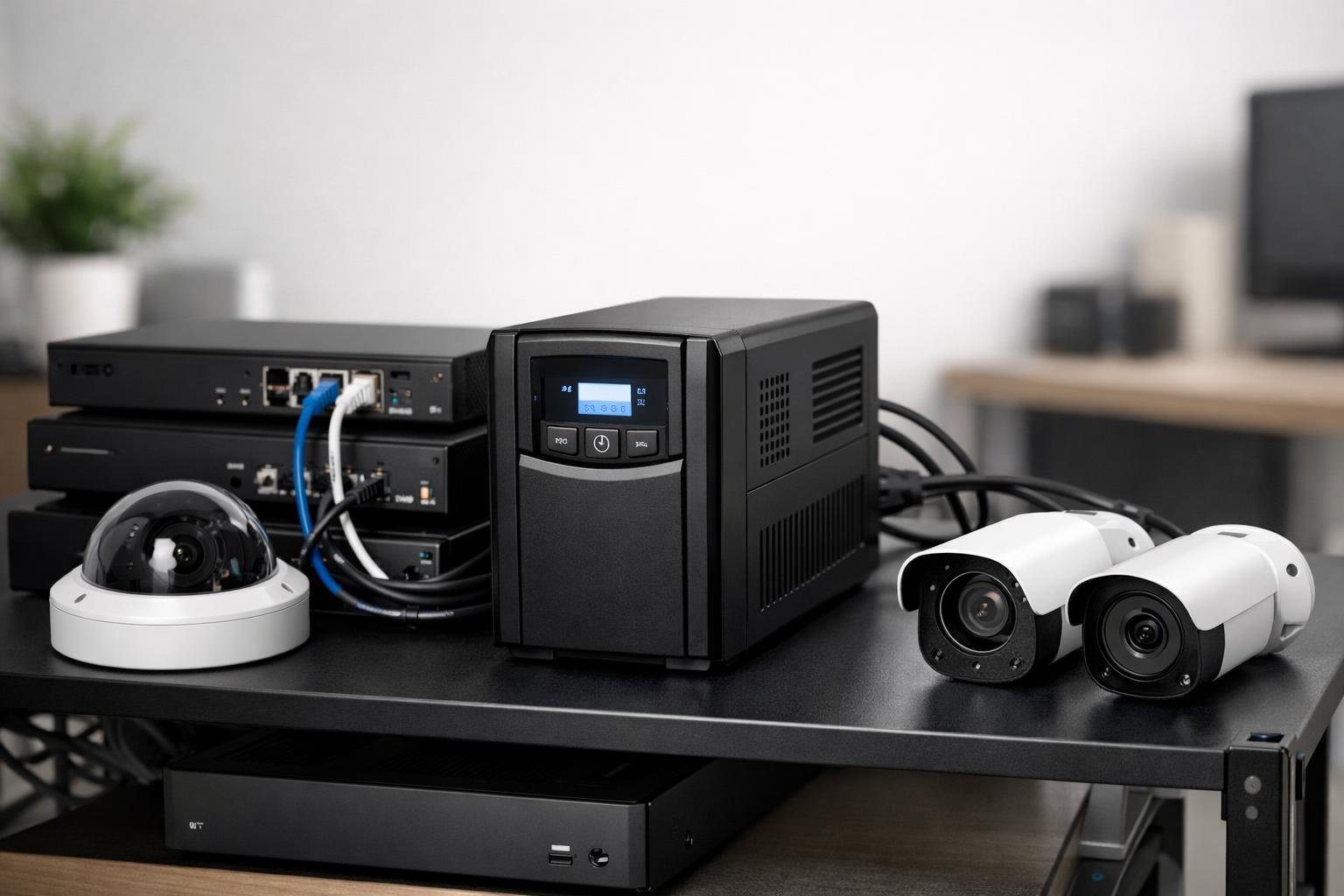 Security DVRs require consistent power to maintain surveillance footage and system stability. The three main UPS types offer different protection levels, with standby models providing basic battery backup, line-interactive units adding voltage regulation, and pure sine wave systems delivering the cleanest power for sensitive electronics.
Standby UPS for Basic Needs
Standby UPS systems, also called offline or back-ups, work by passing mains power directly to your DVR until an outage occurs. When the power fails, the unit switches to battery power within milliseconds. This simple design makes standby models the most affordable and compact option available. These mini UPS devices suit basic security DVR setups where brief power interruptions won’t cause significant issues. The switching time typically ranges from 2-10 milliseconds, which most DVR systems can handle without rebooting. You’ll find these compact UPS units ideal for home security systems or small businesses with one or two cameras. The main drawback is limited protection against power fluctuations like voltage spikes or sags. Your DVR runs on regular mains power during normal operation, receiving no filtering or conditioning. For areas with stable electricity supply, this trade-off often makes sense given the lower cost and smaller footprint.
Line-Interactive Models for Enhanced Safety
Line-interactive UPS systems add automatic voltage regulation to basic battery backup protection. Built-in transformers adjust voltage up or down without switching to battery power, extending battery life whilst protecting your equipment from common power problems. This technology suits security DVRs in locations with frequent brownouts or voltage fluctuations. The UPS corrects minor power issues automatically, only using battery backup during complete outages. Your surveillance system receives cleaner, more stable power throughout operation. Most line-interactive models include intelligent LCD displays showing battery status, load levels, and power conditions. These screens help you monitor your UPS power supply at a glance and identify potential issues before they affect your security system.
Pure Sine Wave and Intelligent LCD Options
Pure sine wave UPS units produce power identical to what your electricity company supplies. This smooth, consistent waveform prevents the buzzing, overheating, or compatibility issues that can occur with cheaper modified sine wave outputs. Modern security DVRs with sensitive components benefit from pure sine wave power, particularly systems with built-in hard drives or advanced processing capabilities. The clean power reduces wear on internal components and eliminates potential interference with video quality. Intelligent LCD UPS models combine pure sine wave output with detailed monitoring capabilities. You can track input/output voltage, remaining runtime, battery health, and load percentage through the display panel, making these compact UPS units ideal for professional security installations requiring precise power management.
Selecting the Best Models for DVRs and Security Devices
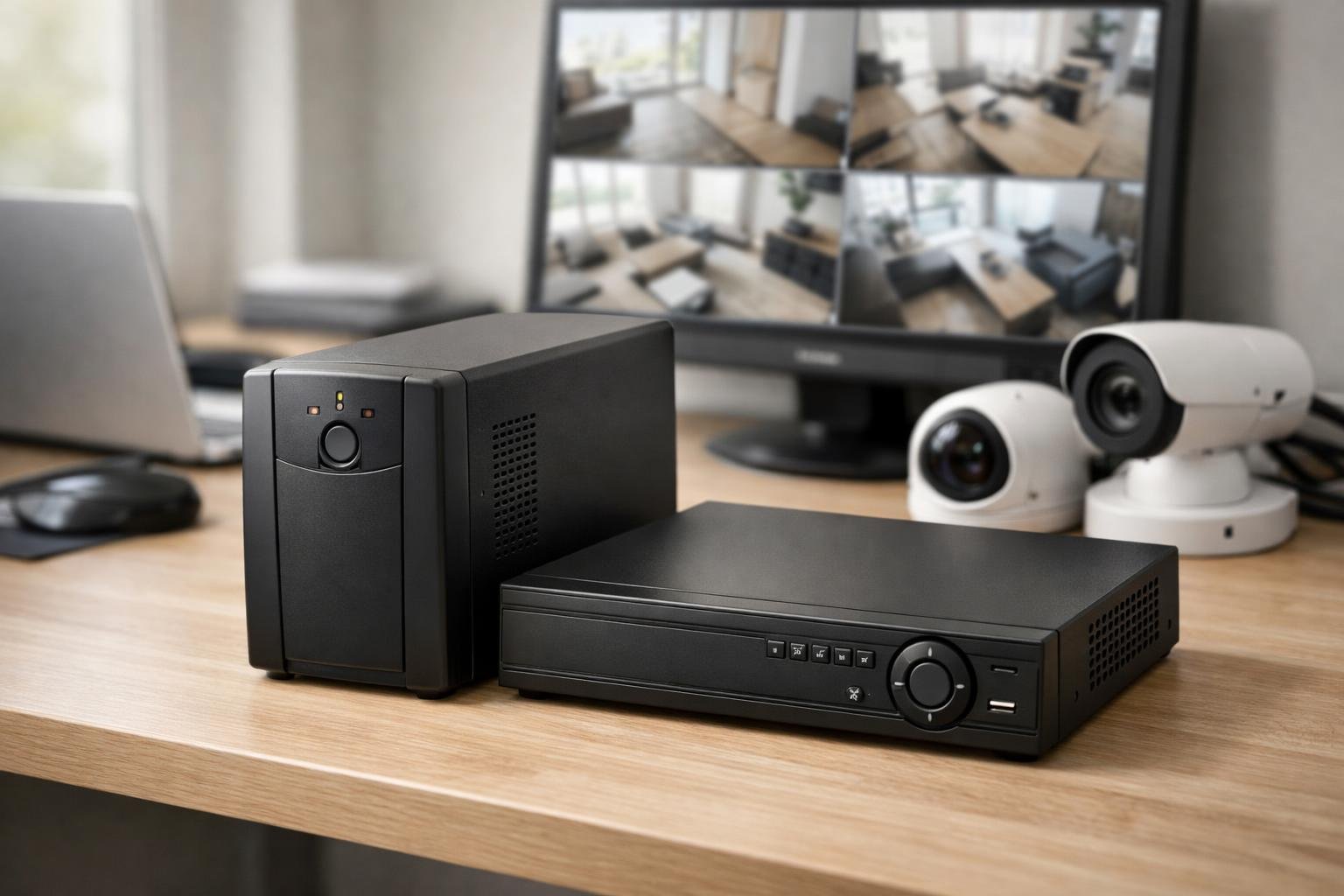 When choosing a UPS for your security DVR, you need to match the VA rating to your equipment’s power requirements whilst prioritising models with sufficient battery-backed outlets. The most reliable options typically range from 600VA units for basic setups to 1500VA models for comprehensive security systems.
Top-Rated Models and VA Rating
Your DVR’s power consumption determines which VA rating you need. Most home security DVRs draw between 20-60 watts, whilst business systems with multiple cameras can require 100-200 watts. A 600VA UPS provides approximately 360 watts of power, which suits small DVR systems with 4-8 cameras. For larger installations, you’ll want 1000VA or 1500VA models that deliver 600-900 watts respectively. Calculate your total wattage by adding your DVR, cameras, and any network equipment. Then multiply by 1.25 to account for power spikes during startup. This gives you the minimum VA rating needed. Check how many battery-backed outlets the unit provides. Your DVR and network router both need battery protection, not just surge protection. Look for models offering at least 4-6 battery-backed outlets to accommodate future expansion.
CyberPower and APC Compact Recommendations
The CyberPower CP1500PFCLCD stands out as one of the best UPS options for business security systems. It offers true sine wave output, which protects sensitive DVR electronics better than simulated sine wave models. The unit provides 1500VA capacity with 10 outlets, including 5 battery-backed ones. For home installations, the CyberPower CP1500AVRLCD3 delivers excellent value. This model includes automatic voltage regulation (AVR) that corrects minor power fluctuations without switching to battery power. The CP1500AVRLCD3 features an LCD display showing battery status, load capacity, and estimated runtime. APC’s Back-UPS Pro series offers comparable performance with their BX1500M model. Both CyberPower and APC units typically provide 5-10 minutes of runtime for standard DVR setups, which allows for proper shutdown during extended outages.
Best Mini UPS for Small-Scale Applications
Small residential security systems work well with compact 600VA units. These best mini UPS models suit single DVR installations with 2-4 cameras where space is limited. APC’s BE600M1 provides 600VA in a vertical tower design that fits behind furniture or in tight spaces. CyberPower’s CP685AVRLCD offers similar capacity with an LCD panel for monitoring. Mini UPS units typically measure 10-15cm wide, making them ideal for flats or small offices. They provide 3-5 minutes of backup power, which is enough to bridge brief outages or alert you to longer power cuts. These compact models include 4-6 total outlets with 2-3 battery-backed connections for your essential security equipment.
Installation, Power Management, and Connectivity
Proper setup of your compact UPS involves more than simply plugging it in—you need adequate outlet spacing for bulky power adapters, software to monitor battery health, and sufficient runtime to keep your DVR recording through outages.
Outlet Spacing and Device Connections
DVR systems often use oversized power adapters that can block adjacent outlets on standard power strips. When selecting a compact UPS for your security setup, check that the battery backup outlets provide enough physical space between sockets. Many quality units feature at least two widely spaced outlets designed to accommodate larger transformers without blocking neighbouring connections. Your DVR typically requires two to three protected connections: the recorder itself, your broadband router, and possibly a network switch or modem. Look for models offering four to six battery backup outlets rather than mixing battery and surge-only protection. This ensures all critical components stay powered during an outage. Some compact UPS units include USB-C and Type-A charging ports alongside standard outlets. Whilst these won’t power your DVR, they provide convenient charging for security system tablets or mobile devices you use to monitor cameras remotely.
Power Management Software
Modern UPS units from manufacturers like APC and Eaton include free power management software that connects to your computer via USB. This software displays real-time battery charge levels, estimated runtime, and input voltage fluctuations. You can configure the software to shut down your DVR gracefully when the battery reaches a certain percentage, preventing data corruption from unexpected power loss. The software also logs power events, helping you identify patterns in your electrical supply. If you notice frequent voltage sags or surges, you can take preventive action before your equipment suffers damage. Some packages send email alerts when the UPS switches to battery power or when the battery needs replacement.
Ensuring Sufficient Backup Duration for DVRs
A typical home security DVR draws between 15 and 40 watts during normal operation. Compact UPS units rated at 425–600VA generally provide 30 to 90 minutes of backup time for a DVR and networking equipment combined, depending on the total wattage draw. Calculate your required runtime by adding the wattage of your DVR, router, and any switches. A 20-watt DVR paired with a 10-watt router needs roughly 30 watts total. A 600VA UPS with a 360-watt capacity can support this load for 60–90 minutes under ideal conditions. Battery backup duration decreases as batteries age. Most UPS batteries last three to five years before requiring replacement. Check the manufacturer’s specifications for expected runtime at your specific wattage load, then factor in a 20% reduction to account for real-world conditions and battery degradation.
Maintenance, Reliability, and Safety Considerations
Security DVRs require constant uptime to maintain surveillance coverage, making proper maintenance and robust safety features critical for any UPS system. Lead-acid battery longevity, surge protection quality, and replacement procedures directly impact how well your backup power system protects your security infrastructure during outages and electrical disturbances.
Battery Replacement and Maintenance
Most compact UPS units for DVRs use sealed lead-acid batteries that require replacement every 3 to 5 years depending on usage patterns and operating temperature. Higher ambient temperatures accelerate battery degradation, so placing your UPS in a cool, ventilated area extends battery life significantly. Some models offer user-replaceable batteries through accessible front or rear panels, whilst others require professional service or manufacturer replacement. Check whether replacement batteries are readily available and their cost before purchasing, as this affects long-term ownership expenses. You should test your UPS monthly by simulating a power outage to verify the battery still provides adequate backup duration. Many units include self-test functions that automatically assess battery health and alert you when replacement becomes necessary. Regular testing ensures your security system won’t fail during an actual power interruption.
Safety Features and Surge Mitigation
Quality surge protection safeguards your DVR and connected cameras from voltage spikes caused by lightning strikes, power grid fluctuations, and electrical equipment cycling on and off. Look for UPS units with surge protection ratings of at least 400 joules for basic protection, though 600 to 1,000 joules provides better shielding for security equipment. Built-in circuit breakers prevent overload conditions that could damage your devices or create fire hazards. Automatic voltage regulation (AVR) corrects minor power fluctuations without switching to battery power, preserving battery capacity for genuine outages whilst protecting sensitive DVR components from voltage variations.
Long-Term Reliability for Security Applications
Security DVRs operate continuously, so your UPS must handle sustained loads without overheating or performance degradation. Models with efficient cooling systems and components rated for 24/7 operation provide better reliability than units designed for occasional desktop computer use. Battery capacity directly determines how long your security system remains operational during outages. Calculate your DVR’s power consumption plus all connected cameras to select a UPS with sufficient wattage and backup duration for your needs. Most security setups require 30 to 60 minutes of runtime to bridge brief power interruptions. Consider models with replaceable or serviceable batteries rather than sealed units that require complete replacement, as this reduces long-term costs and electronic waste.
Frequently Asked Questions
Choosing the right UPS for your security DVR involves understanding power requirements, runtime calculations, and essential features that protect your equipment during outages. Most systems need between 1000VA to 2000VA capacity, whilst runtime depends on total power draw and battery capacity.
What size UPS do I need for a CCTV DVR and its connected cameras?
You need to calculate the total power consumption of your DVR and all connected cameras in watts. Add up the wattage of each device, then multiply by 1.25 to account for power overhead and battery efficiency losses. For most small to medium home setups with a DVR and 4-6 cameras, a 1000VA to 1500VA UPS provides adequate protection. Larger systems with 8 or more cameras typically require a 1500VA to 2000VA unit. Check your DVR and camera specifications for exact wattage ratings. If only amperage is listed, multiply amps by voltage (usually 12V or 240V) to get watts.
How can I calculate the UPS runtime needed to keep a DVR running for up to eight hours?
Runtime depends on your total power draw and the UPS battery capacity measured in volt-ampere hours (VAh). Divide the battery capacity by your total load in watts to estimate runtime in hours. For eight hours of backup, you’ll need a substantially larger battery bank than standard UPS units provide. Most compact UPS systems offer 15 minutes to 2 hours of runtime under typical loads. Extended runtime requires either multiple UPS units, external battery packs, or industrial-grade systems with larger battery arrays. A 100-watt DVR system needs approximately 800 watt-hours of battery capacity for eight hours of operation.
Which UPS battery backup features matter most for protecting DVRs and security equipment from power cuts and surges?
Pure sine wave output protects sensitive electronics better than modified sine wave output. Your DVR’s power supply will run cooler and more efficiently with pure sine wave power. Automatic voltage regulation (AVR) corrects minor power fluctuations without switching to battery power. This feature extends battery life and provides cleaner power during brownouts. Surge protection with adequate joule rating shields your equipment from voltage spikes. Look for at least 1000 joules of protection, with higher ratings offering better defence. Multiple outlets allow you to connect all security components to one UPS. Battery hot-swap capability lets you replace batteries without shutting down your system.
What should not be plugged into a UPS when it is used for security and office equipment?
Never plug laser printers into your UPS battery backup outlets. These devices draw excessive power during operation and can quickly drain the battery or trigger overload protection. Space heaters, fans, and air conditioning units consume too much power for typical UPS systems. These high-wattage devices belong on surge-protected outlets only, not battery backup ports. Avoid connecting paper shredders, vacuum cleaners, or other motor-driven appliances. Their startup power draw can exceed UPS capacity and damage the unit. Keep only essential security equipment like your DVR, network router, and monitor connected to battery backup outlets. Use surge-only outlets for less critical devices.
How long will a 2000W UPS typically last under real-world loads?
A 2000VA (approximately 2000W) UPS running a 200-watt load provides roughly 20 to 40 minutes of backup time. The exact duration varies based on battery age, temperature, and the efficiency of connected devices. Higher loads dramatically reduce runtime. A 500-watt load might only receive 8 to 15 minutes of backup power from the same unit. Battery capacity degrades over time, typically losing 20% efficiency after three years. Environmental factors like heat accelerate this degradation, reducing actual runtime below manufacturer specifications.
Which UPS brands are generally considered the most reliable for home and small business use?
APC offers proven reliability in the power protection industry with good warranty coverage and available replacement parts. Their units suit both home and small business applications. CyberPower provides excellent value with competitive features at lower price points. Their customer support and build quality have improved significantly in recent years. Eaton delivers commercial-grade performance with robust construction suitable for demanding business environments. Their units typically cost more but offer superior longevity. All three brands manufacture models specifically designed for security systems and network equipment. Choose based on your budget, required runtime, and available space for installation.
Need help?
Should you wish to discuss a particular application or requirement
Then please contact us free on 03300271309 or email us at sales@upscentre.co.uk

Tony Whittam
Specialist in digital marketing for more than 18 years, I am the co-founder and CEO of T & T Web Design. Affordable Search Engine Optimisation (SEO), PPC Management and Reputation Management.


