


Best UPS Systems to Maximise Remote Work Productivity with Reliable Power Backups
Best UPS Systems to Maximise Remote Work Productivity with Reliable Power Backups
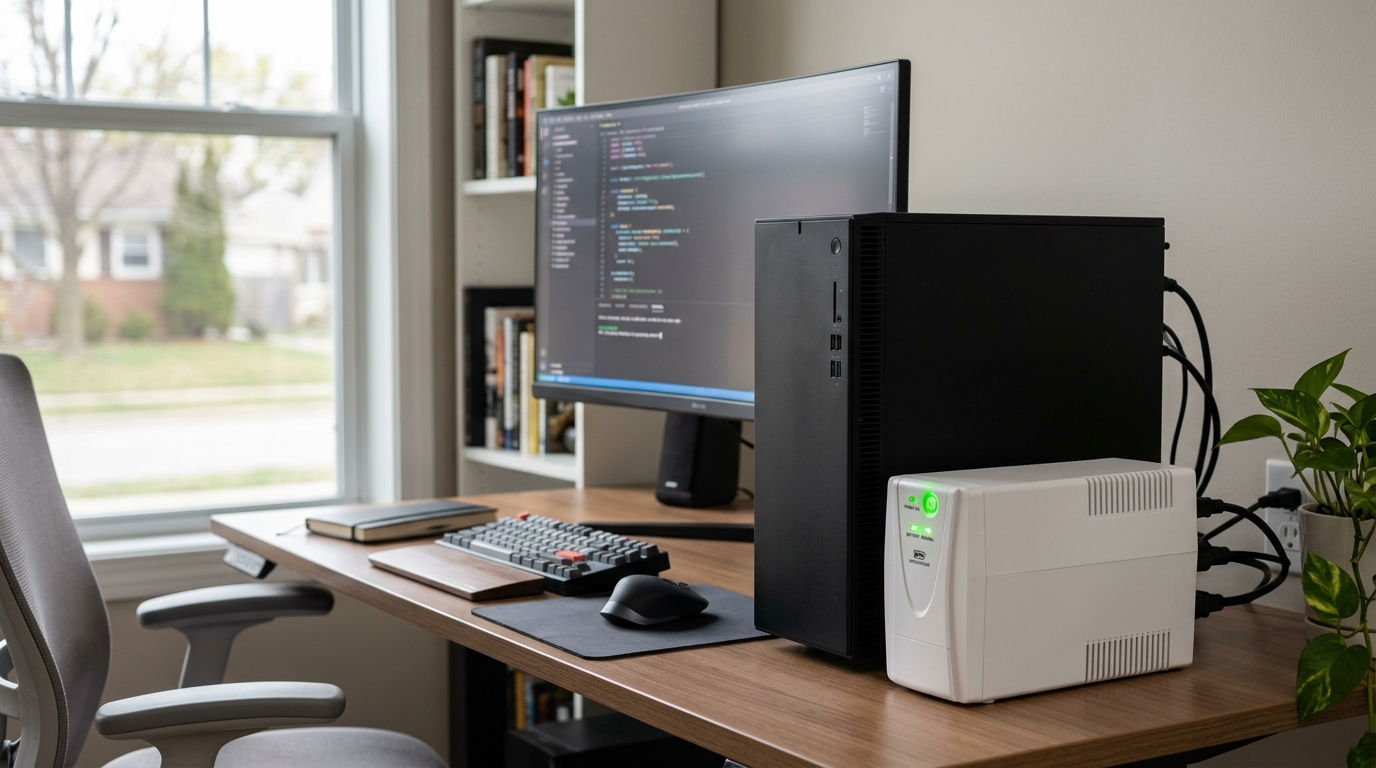
If you want to maximise remote work productivity with reliable power backups, here’s a number worth sitting with: nearly 19% of remote workers lost a full workday or more to power outages in a single year. That’s an entire day of deadlines, calls, and deliverables wiped out by something you can’t control. Power cuts don’t announce themselves before they happen. One second you’re mid-sentence on a client call, the next your screen is black and your unsaved work is gone. The good news is that the fix is simple, affordable, and quiet enough to sit under your desk. Below, we’ll walk you through the best uninterruptible power supplies for home offices and exactly how each one keeps you working without interruption.
Key Takeaways
| Question | Quick Answer |
|---|---|
| What protects remote work from power cuts? | A UPS instantly switches to battery power the moment mains power fails, so you keep working without interruption. |
| How much power do I need? | A 1000VA to 1500VA unit covers most home-office setups (PC, monitor, router). Browse our full UPS range to match your load. |
| Line-interactive or online double conversion? | Line-interactive suits most home offices; online double conversion gives the cleanest output for sensitive servers. |
| Does it stop hardware damage? | Yes. It safeguards against surges, brownouts, and voltage drops that quietly degrade your equipment. See our guide on protecting sensitive equipment. |
| Is it worth it? | When a single lost workday can cost you a deadline or a client, a backup that costs less than a monitor pays for itself fast. |
Why You Need Reliable Power Backups to Protect Remote Work
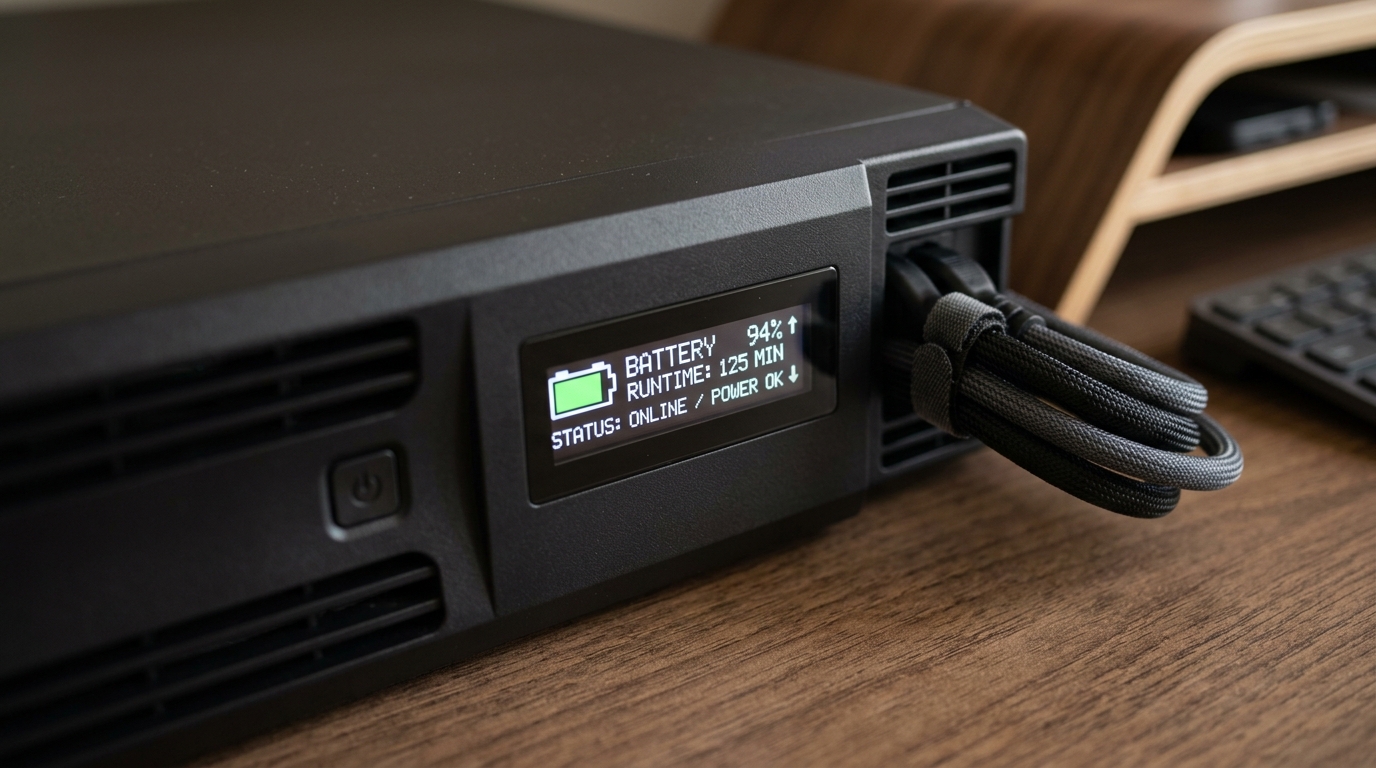
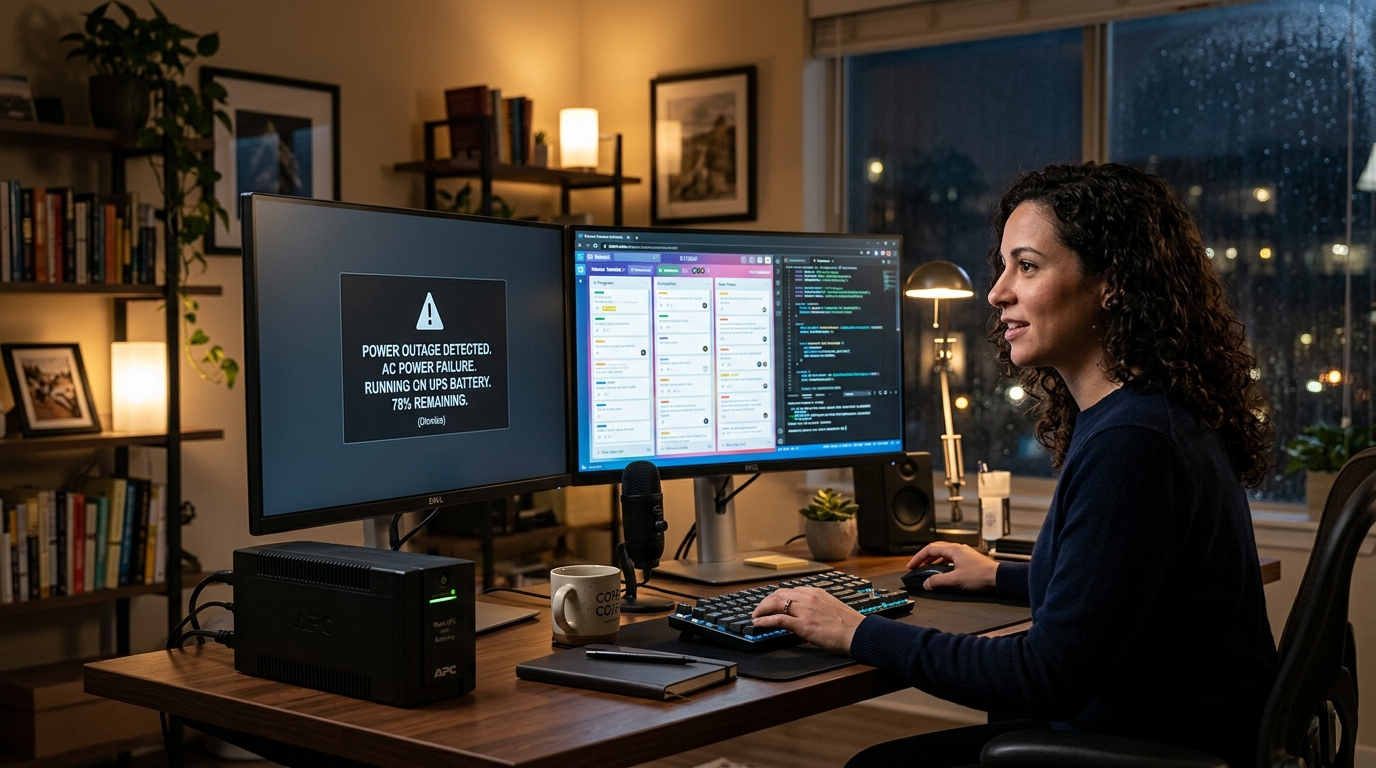
When you work from home, your office is your power supply. There’s no IT department to keep the lights on and no backup generator humming in the basement. That means every flicker, brownout, and outage lands directly on you. A compact battery backup system sitting quietly under your desk is the difference between losing minutes of work and losing hours of it. The stakes are higher than most people realise. A dropped video call mid-pitch, a corrupted spreadsheet, a router reset that knocks you offline for ten minutes while a client waits, these small disruptions add up. Your uninterruptible power supply protects equipment from power disruptions. When mains power fails, the UPS instantly switches to battery power without interruption, giving you time to save your work and ride out short outages entirely.
How a UPS Helps You Maximise Remote Work Productivity
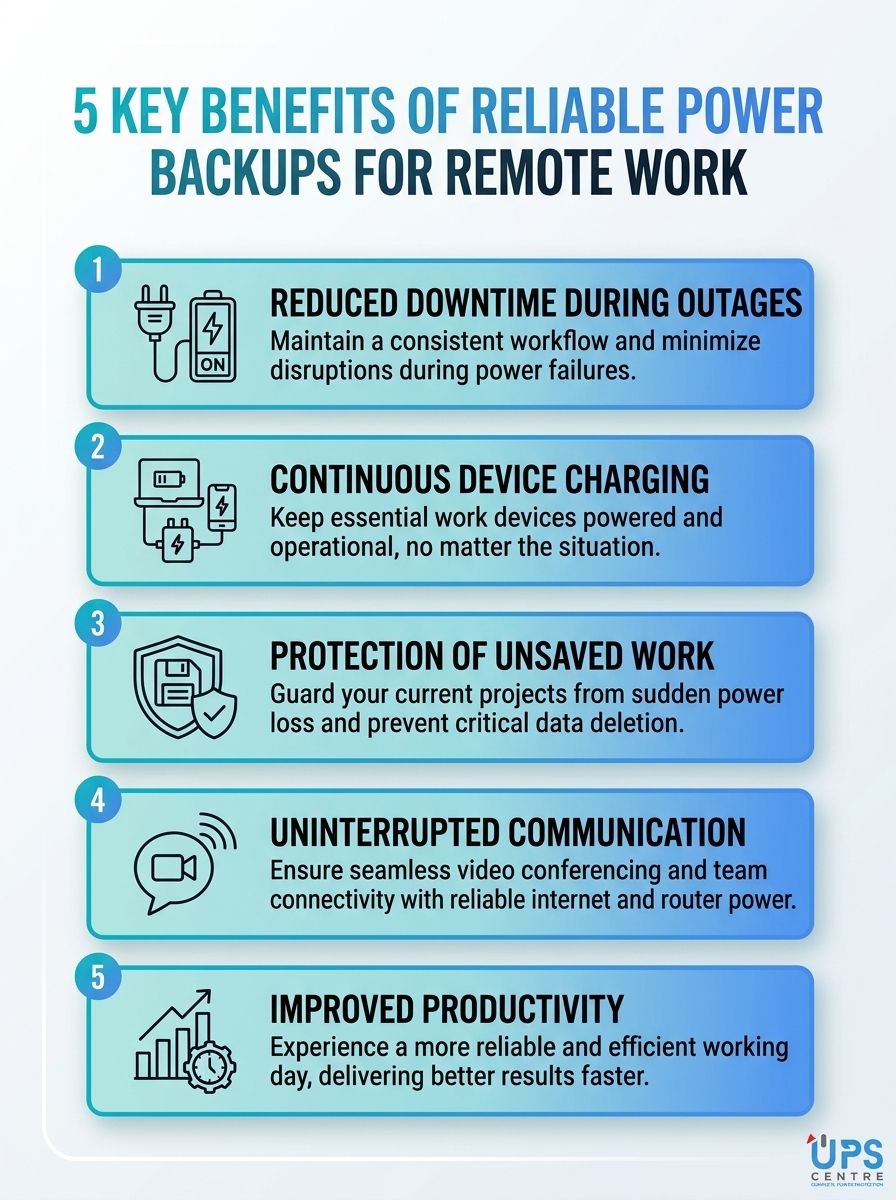
A UPS does two jobs at once. It keeps you running during an outage, and it conditions the power flowing into your gear the rest of the time. That second job matters more than people think. Voltage fluctuations, surges, and brownouts wear down power supplies and slowly damage components long before a full outage ever hits. Here’s what a reliable backup does for your working day:
- Keeps you online: Your modem, router, and PC stay powered so calls and uploads don’t drop.
- Protects your data: No more corrupted files or lost work from a sudden shutdown.
- Safeguards your hardware: Automatic voltage regulation smooths out the dips and spikes that damage equipment.
- Buys you time: Even a few minutes of battery lets you save, sync, and shut down properly.
You can read more about how this works in our breakdown of how a UPS protects your home office from power cuts.
Best for Most Home Offices: APC Smart-UPS Line-Interactive 1000 VA / 640 W
If you want one dependable unit to maximise remote work productivity with reliable power backups, this is where most people should start. Line-interactive topology offers efficient protection with automatic voltage regulation for common power fluctuations. The APC Smart-UPS Line-Interactive 1000 VA provides reliable battery backup and surge protection for home offices and small offices. It’s designed for easy integration with PCs, printers, and networking devices in a remote-work setup. Best for: Standard desk setups with a computer, one or two monitors, and a router.

Best for Sensitive Equipment: APC Smart-UPS C 1500VA / 900 Watt LCD
Some setups demand cleaner power. If you run a workstation, a small server, or gear with an active PFC power supply, you want pure sine wave output. The APC Smart-UPS C 1500VA with SmartConnect provides pure sine wave output which is recommended by server manufacturers using active PFC power supplies. The built-in LCD and SmartConnect cloud monitoring give you smarter productivity with the ability to tailor it to your specific application needs. At £698.40, it’s an investment, but it brings the peace of mind that comes with full equipment compatibility and the reliability of a market leader. Best for: Power users, content creators, and anyone running hardware that won’t tolerate dirty power.
Best for Compact Setups: Riello Vision Duel 1100VA / 990W
Tight on desk space but still want true online protection? This compact online UPS offers reliable backup for home office setups without taking over the room. The Riello Vision Duel 1100VA delivers clean power for computers, monitors, and network gear during outages. It’s a strong choice for small home office environments requiring dependable power protection. Need a little more headroom? The 1500VA / 1350W version combines online double conversion with a compact form, making it ideal for workstations, semi-professional setups, and home office servers. Best for: Smaller desks that still need continuous, conditioned power.
Best for Power-Hungry Workstations: Salicru SLC Twin RT2 Range
When your home office starts to look like a small business, you need a UPS that can scale. The Salicru SLC Twin RT2 range delivers online double conversion protection for critical workloads. The 1000VA model suits desktops, routers, and small servers in remote-work environments. Step up to the 1500VA version for workstations and small business servers requiring uninterrupted power. Running multiple machines or a more demanding setup? The 2000VA model delivers consistent power regardless of input fluctuations. Best for: Higher-demand home offices, multi-device setups, and anyone running a small server.
Best for Rack-Mounted Home Offices: Eaton 5P and Tecnoware Evo DSP Plus
If you’ve built out a proper rack at home, two units stand out. Both bring serious protection in a form factor that fits your existing kit. The Eaton 5P 1150VA is a high-efficiency UPS with scalable runtime and a compact 1U form factor suitable for rack-mounted deployments. It gives advanced protection for desktops, routers, and other essential peripherals during power disturbances. For larger loads, the Tecnoware Evo DSP Plus 3600VA offers robust protection and scalable runtimes for workstations, network gear, and small servers in remote work environments. Best for: Serious home-office racks and small business continuity.
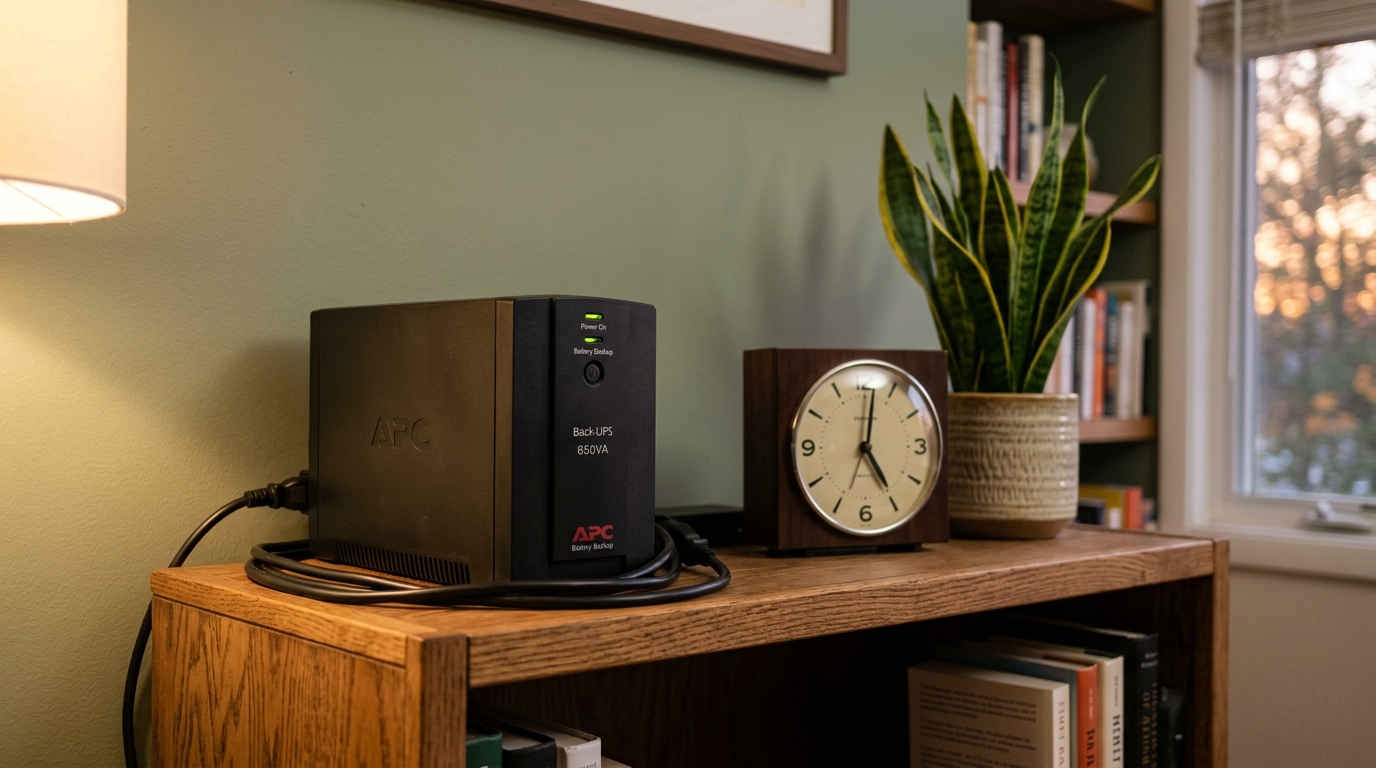
UPS vs Generator: Which Backup Suits Remote Work?
People often ask whether they need a generator instead. For most home offices, the answer is no. A UPS provides instantaneous power from batteries for short periods, whilst a generator supplies long-term power from fuel but takes time to start up. That start-up gap is exactly when your call drops and your file corrupts. For the kind of brief, frequent outages that disrupt a working day, a UPS is the smarter safety net. It catches the problem in the same instant it happens, with no delay, no fuel, and no noise.
How to Choose the Right UPS to Maximise Remote Work Productivity
Picking the right unit comes down to three quick questions. Answer these and you’ll narrow it down fast.
- What’s your total load? Add up the wattage of your PC, monitors, and router. A 1000VA unit covers a typical desk; heavier setups want 1500VA or more.
- How clean does your power need to be? Standard gear is fine with line-interactive. Servers and active-PFC supplies want pure sine wave or online double conversion.
- How long do you need to run? Most outages are short, so a few minutes of runtime to save and shut down is enough for many people. Larger batteries extend that further.
If you’re unsure, we’re happy to help you size it correctly. We pride ourselves on honest, reliable and trustworthy advice, and you can contact us free before you buy. For a wider look at dependable options, browse our round-up of the most reliable UPS systems or read how to ensure business continuity during power failures.
Protect Your Valued Hardware, Data, and Reputation
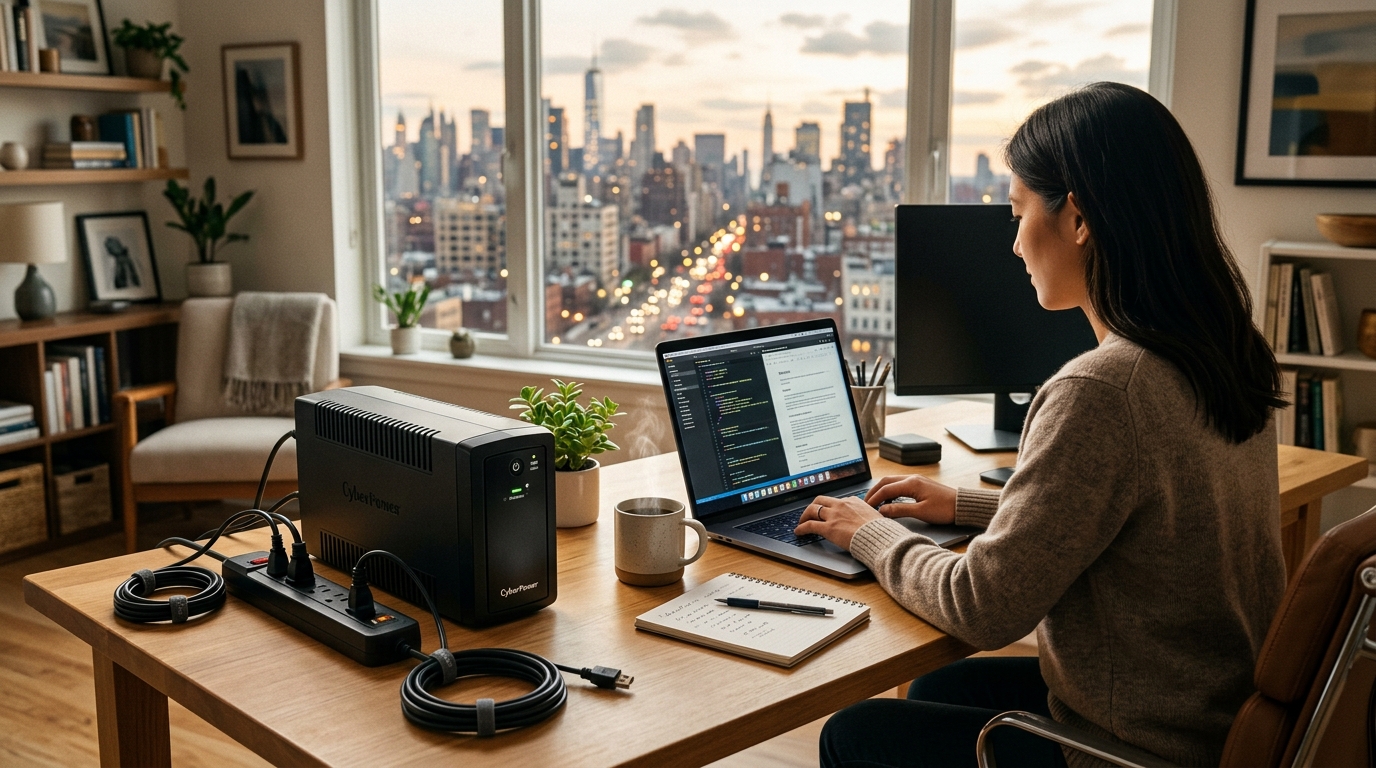
You can’t stop the power from going out, but you can stop it from costing you your work. The simplest way to maximise remote work productivity with reliable power backups is to put a quality UPS between the wall and your desk. For most home offices, a line-interactive 1000VA to 1500VA unit hits the sweet spot. For sensitive gear and small servers, online double conversion gives you the cleanest, most uninterrupted protection. Whichever you choose, you’ll protect your valued hardware, your data, and your reputation from the disruptions that catch unprepared remote workers off guard.
Frequently Asked Questions
What size UPS do I need to maximise remote work productivity with reliable power backups?
For a typical home office with a PC, monitor, and router, a 1000VA to 1500VA UPS is ideal. If you run a workstation, multiple monitors, or a small server, step up to 2000VA or more to keep everything running without interruption.
Is a UPS really worth it for working from home?
Yes. When a single power outage can wipe out a full workday and cost you well over a thousand pounds a year in lost income, a backup that costs less than a monitor pays for itself quickly while protecting your equipment from surges and brownouts.
What’s the difference between line-interactive and online double conversion UPS?
Line-interactive units regulate voltage and switch to battery in milliseconds, which suits most home offices. Online double conversion continuously rebuilds the power before it reaches your gear, delivering the cleanest output for sensitive servers and active-PFC equipment.
Will a UPS keep my internet running during an outage?
It will, as long as you plug your modem and router into it. Keeping your connectivity powered is one of the most effective ways to maximize remote work productivity with reliable power backups, since it stops calls and uploads from dropping.
How long will a UPS power my home office?
Most home-office UPS units give you several minutes to save your work and shut down safely, which covers the majority of short outages entirely. Larger battery capacities and extension packs extend that runtime if you need to keep working through longer interruptions.
Do I need a generator instead of a UPS for remote work?
For brief, frequent outages, a UPS is the better fit because it switches to battery instantly, while a generator takes time to start. Many remote workers only ever need a UPS, since it catches the disruption in the same instant it happens.
Can a UPS protect my computer from damage, not just outages?
Absolutely. A UPS conditions your power around the clock, smoothing out the surges, voltage drops, and brownouts that quietly degrade power supplies and components long before a full outage occurs.
Need help?
Should you wish to discuss a particular application or requirement
Then please contact us free on 03300271309 or email us at sales@upscentre.co.uk

Tony Whittam
Specialist in digital marketing for more than 18 years, I am the co-founder and CEO of T & T Web Design. Affordable Search Engine Optimisation (SEO), PPC Management and Reputation Management.


